

Symptom Checker
Get personalized guidance to help you better understand your symptoms.

Guidance when you need it
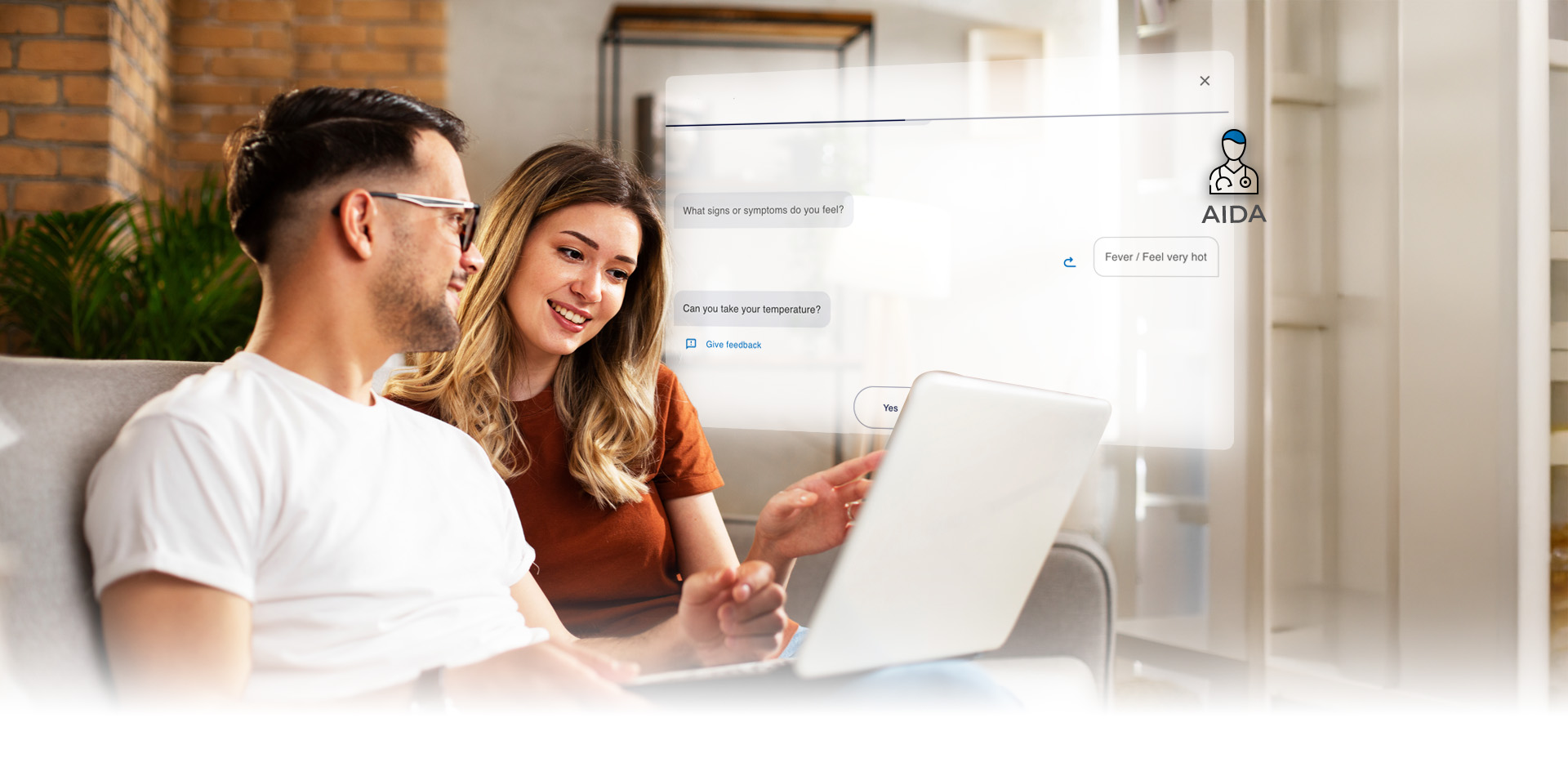
Powered by AIDA, our AI virtual assistant, Symptom Checker guides you through questions about your symptoms and provides a detailed assessment report.
Please note: This tool does not replace a diagnosis from a doctor.
Follow the steps below and you will receive a detailed report of your evaluation.
How can you access Symptom Checker?
- Access My Bupa through the "Login to My Bupa" - "For Customers" button in the main menu.
- After logging in to My Bupa with your credentials, choose the option "Blua digital health" and then" Symptom Checker" to access the tool.
- Accept the terms of use and click on "Start evaluator".
- You are now ready to contact AIDA, who will assist you with the analysis of your symptoms.
Explore all Blua services
Discover more ways Blua can help you care for your health.
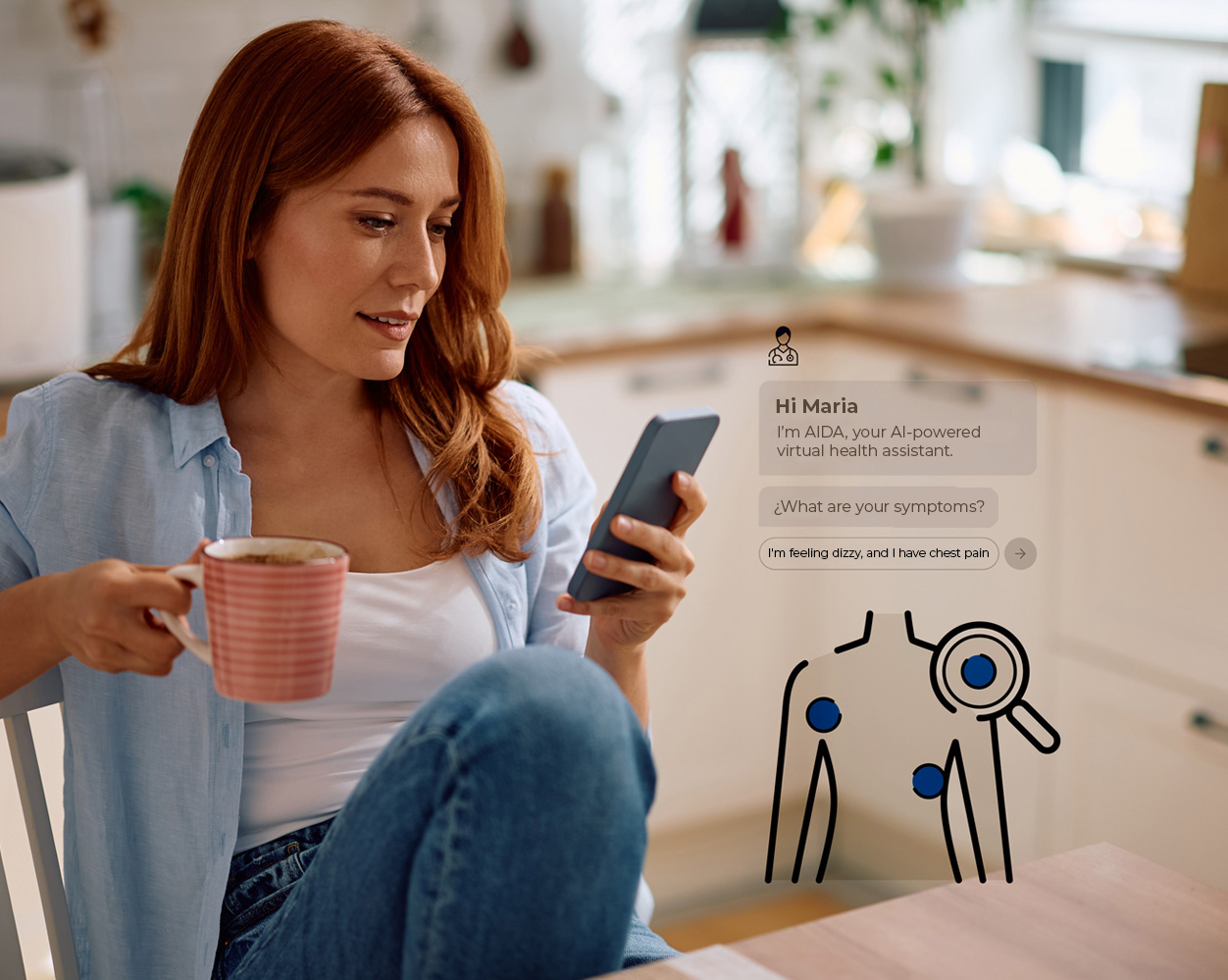

Symptom Checker
Powered by AIDA, our artificial intelligence technology, this tool helps you assess your symptoms and receive guidance for managing minor health conditions.
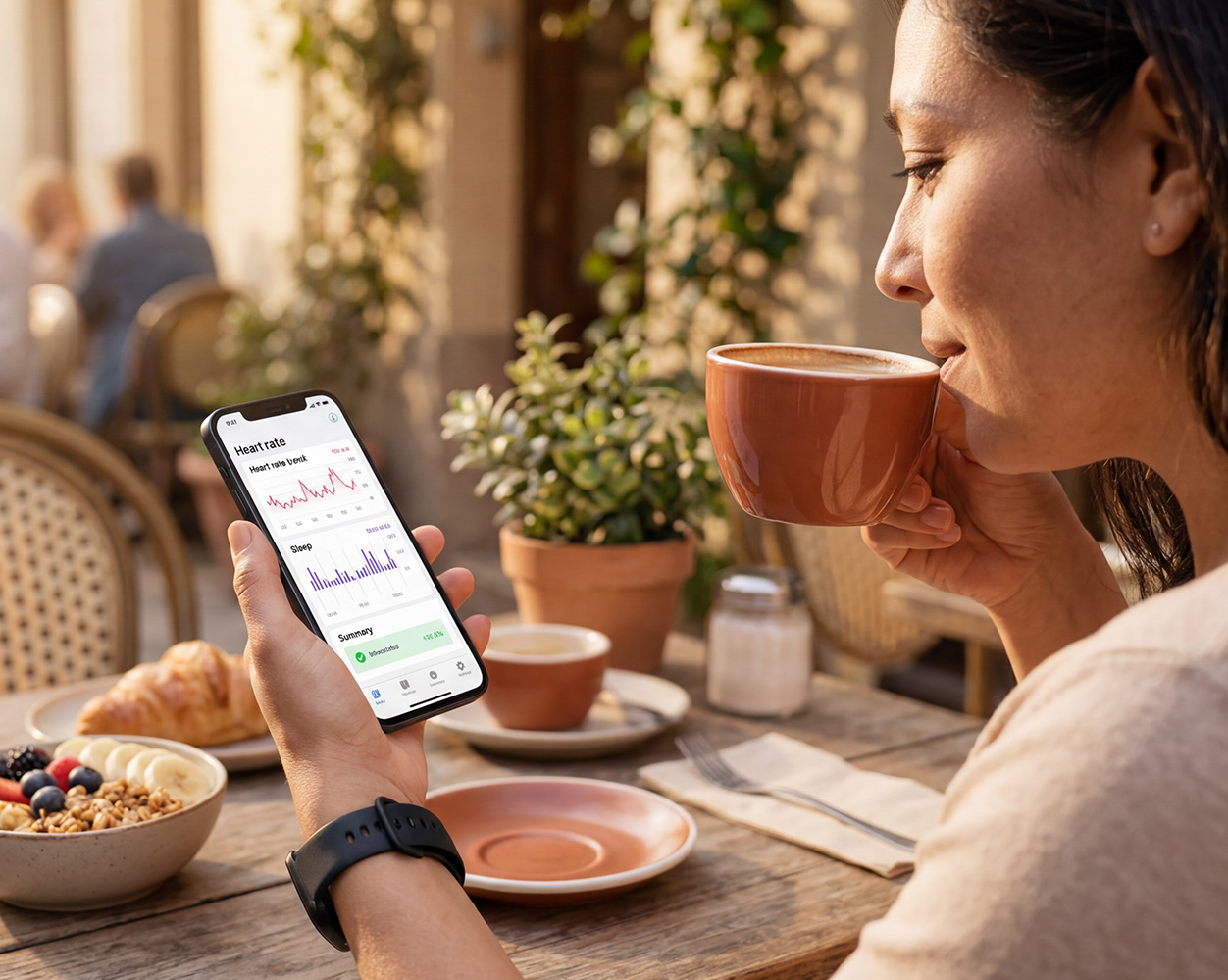

Monitor your Health
Connect your smart devices to track key health indicators and manage conditions such as high blood pressure, asthma, COPD, and weight management. With professional support, you can stay on track and build healthier habits over time.
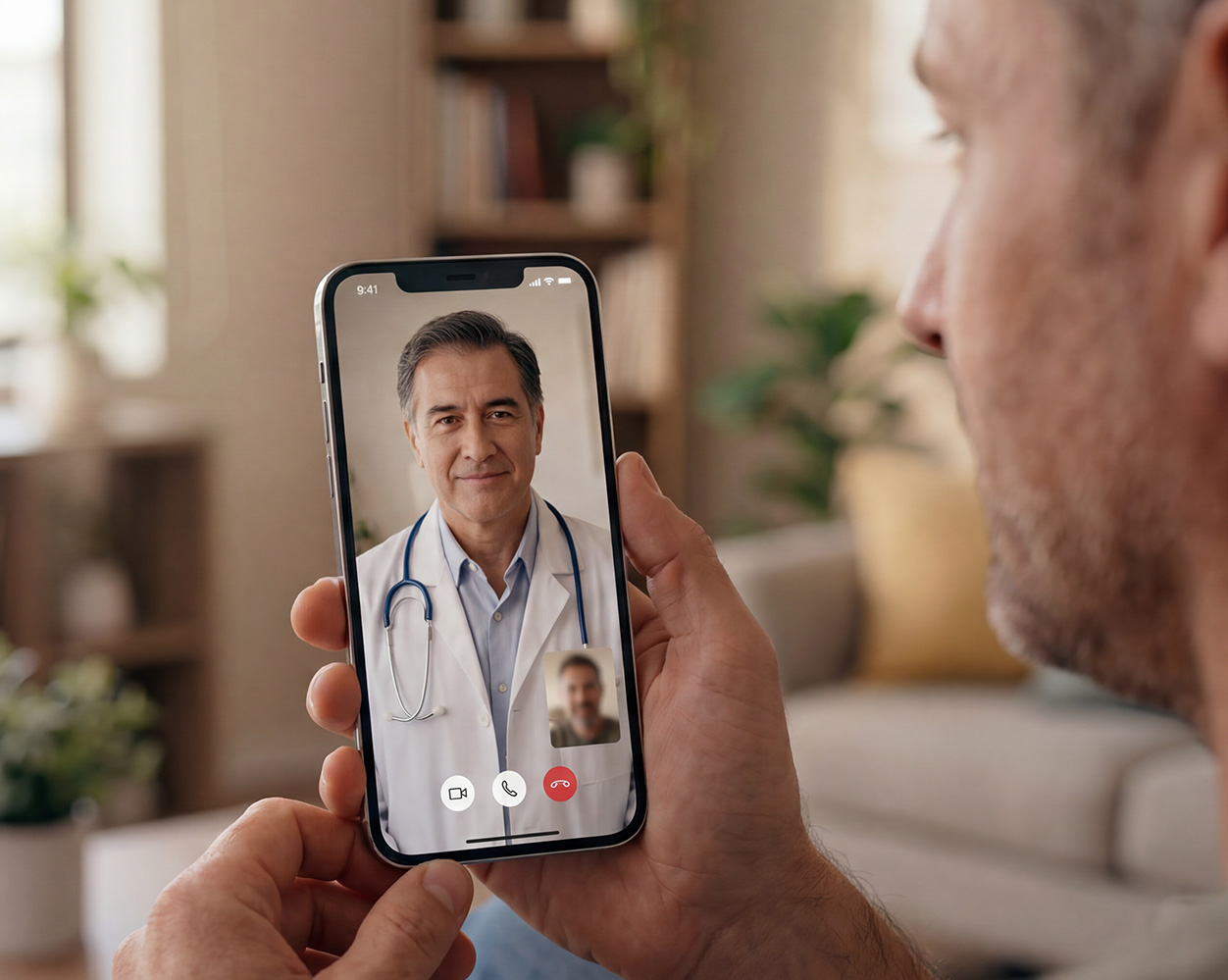

Video consultations
Blua video consultations provide fast, convenient access to healthcare professionals, offering trusted medical guidance when you need it most.


Vital Signs
Track health indicators such as heart rate, respiratory rate, stress levels, blood pressure, and more using just your smartphone, making it easier to stay informed about your health.


Health Programs
Access health programmes focused on emotional wellbeing, nutrition, and chronic condition management, helping you build healthier habits with ongoing support along the way.


